The D3500’s SD slot sits on the right side at the bottom, and the card only goes in one way, label toward the back of the camera.
Open the SD card compartment. If you’re pointing the camera as if to take a photo, it’s on the right side at the bottom.
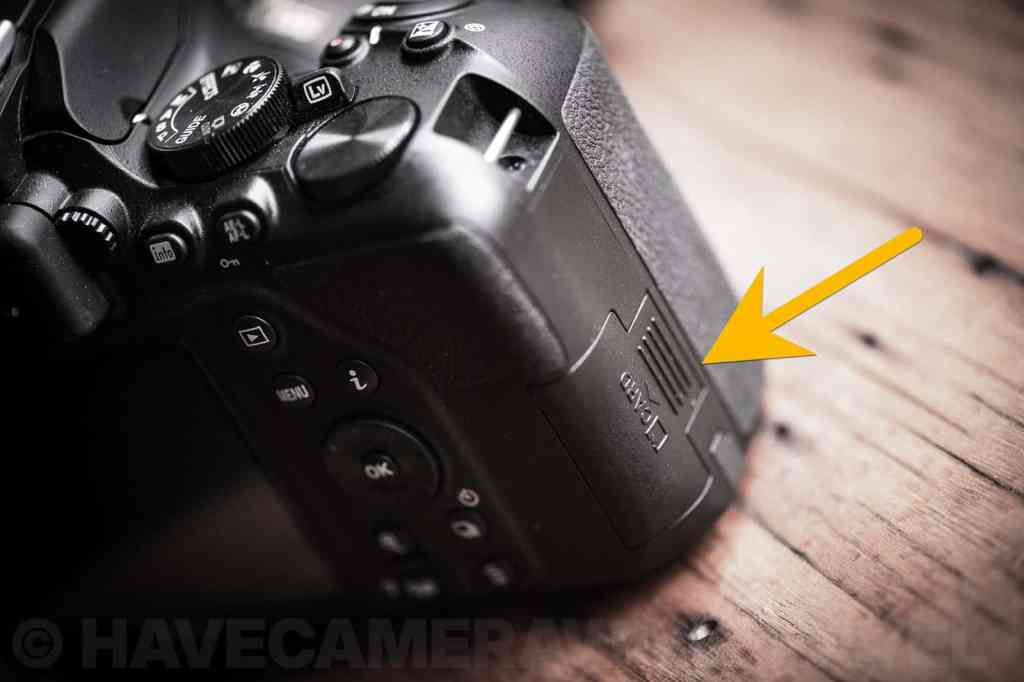
Gently slide the cover in the direction of the arrow that’s marked on the door.
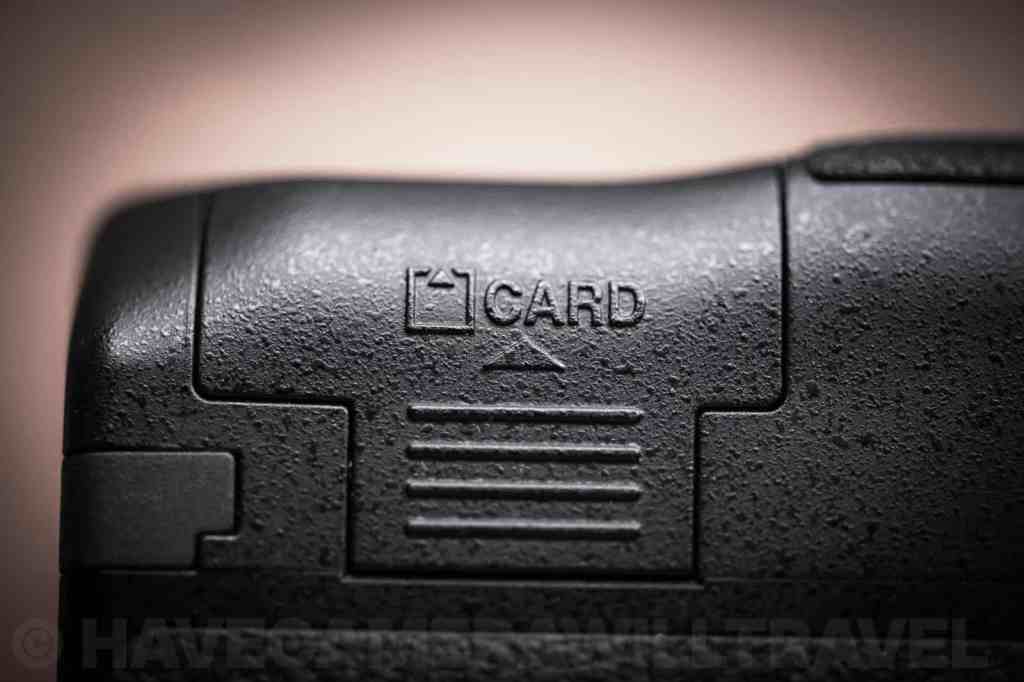
Slide the memory card into the slot. The side with the label should face the back of the camera. The side with the metal contact points should be facing forward in the direction of the lens.
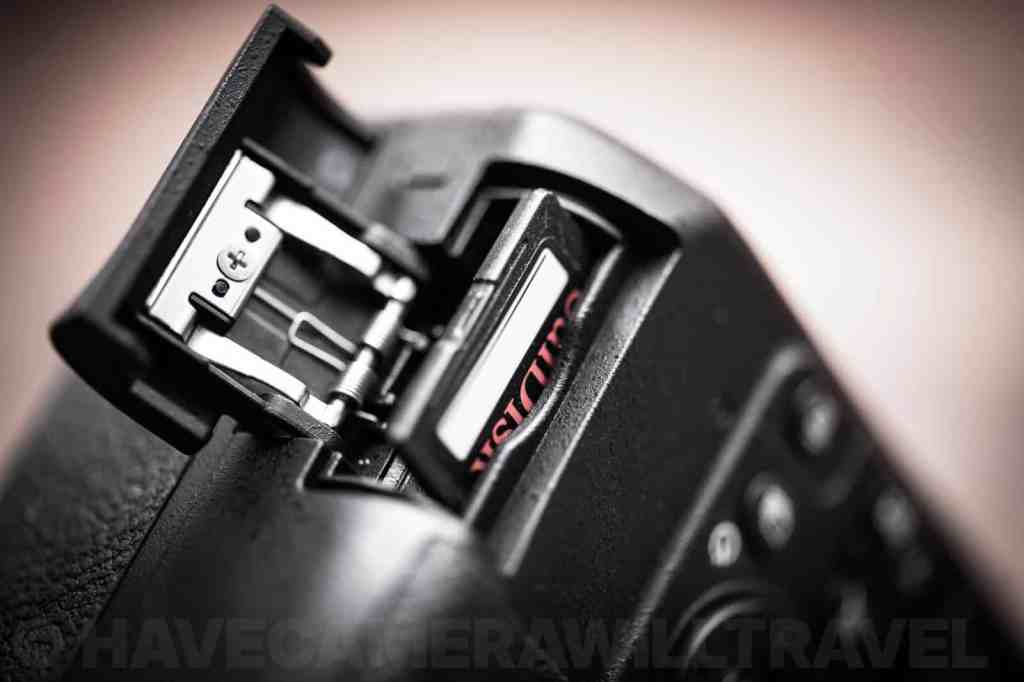
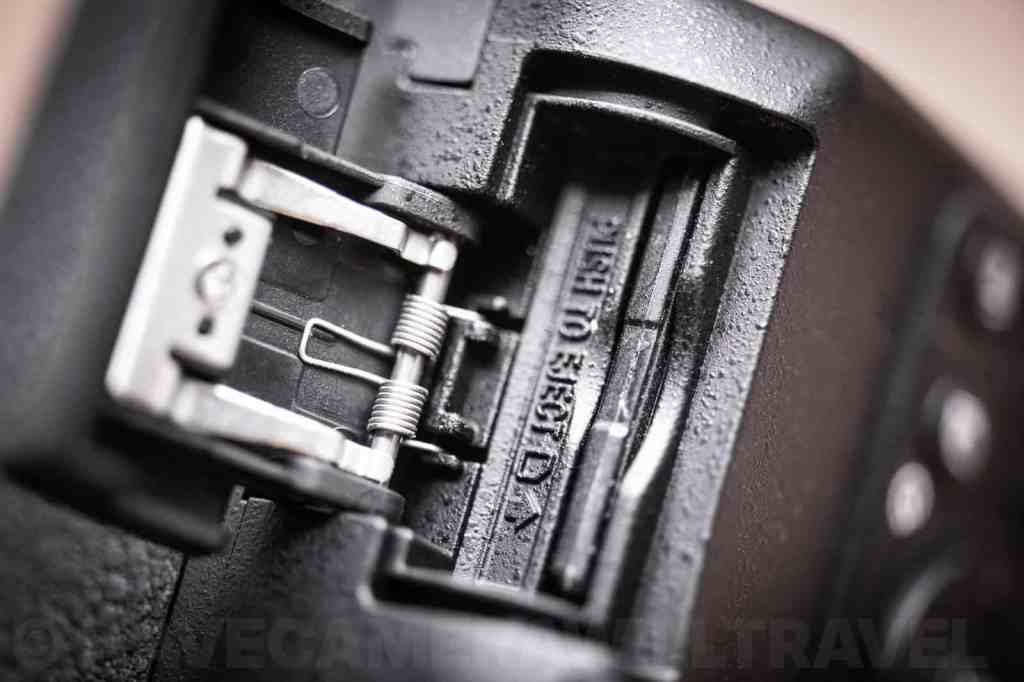
Gently push the card down into the camera until it clicks into place. It should stay in place flush with the slot. Don’t force it. If it doesn’t go down easily, the first thing to check is that the card is the right way around.
Close the SD compartment door by folding it down and gently sliding it back into place.

